
🚀HERE IT COMES
THE ULTIMATE LEARNING APP!
Transform your learning experience with super-fast loading and amazing features right on your homescreen!
Scroll down to install
How to Install

On iPhone (Safari)
1Tap the Share button at bottom of screen
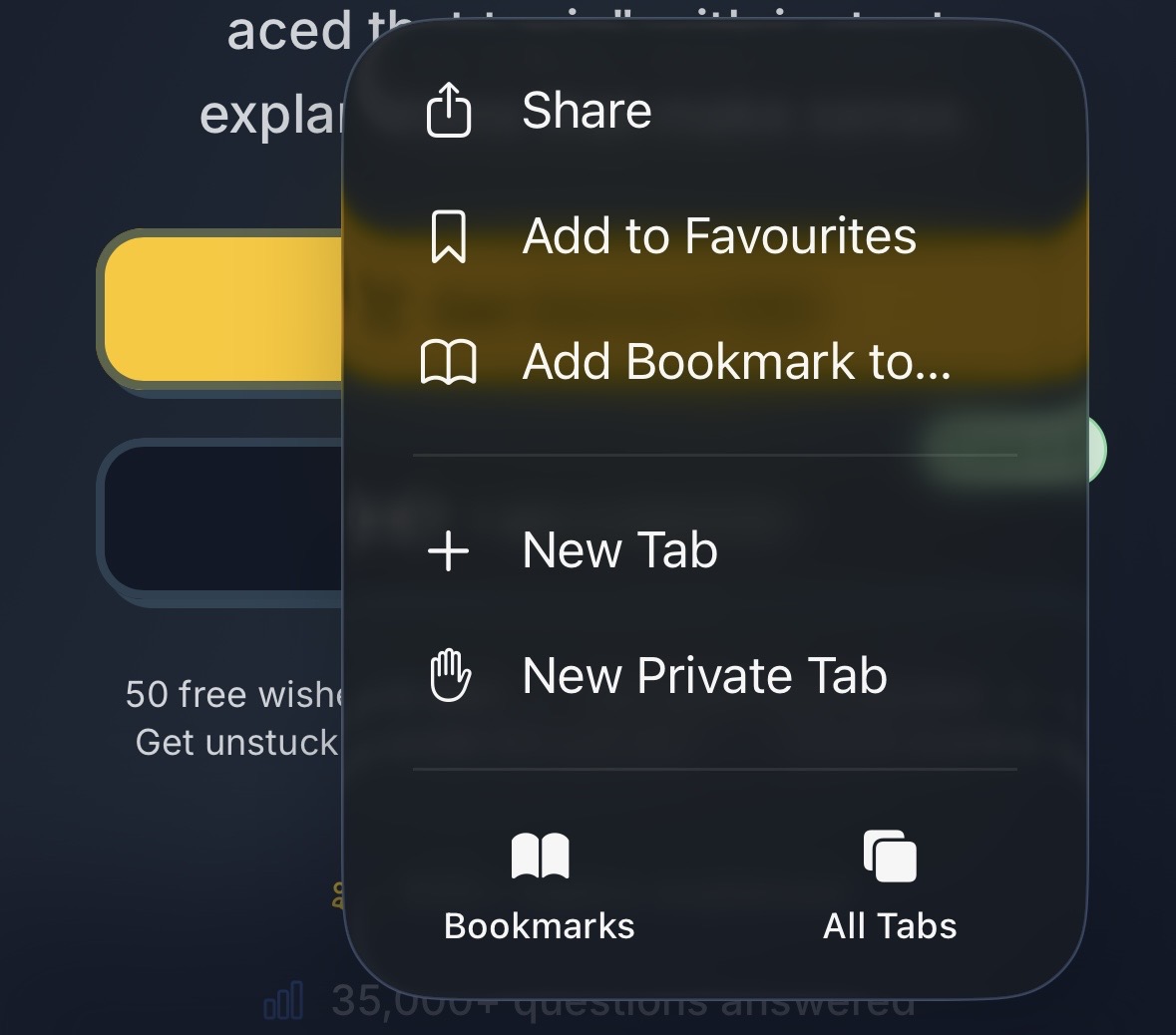
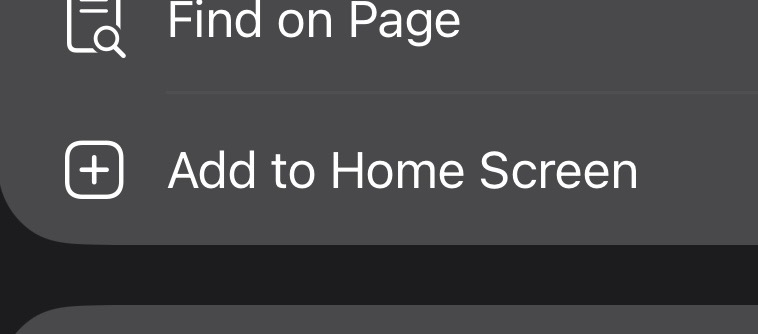
2Scroll down and tap 'Add to Home Screen'
3Tap 'Add' - Done! You now have the app!

On Android (Chrome)
1Open Chrome menu (three dots)
2Tap 'Install app'
3Tap 'Install' - Your app is ready!
Desktop: Click the install button in your browser address bar
Other devices: Use Chrome or Safari for best experience
Why Install Our App?
Super Fast
Loads instantly
Easy Access
Right on homescreen
Always Updated
New features added